
Professional Picture Editing Powered by AI – Completely Free
Transform any image in seconds: fix imperfections, restore damaged photos, apply stunning effects, or modify scenes using simple descriptions.


AI Picture Editor Free
Upload your photo and describe your vision. Our system analyzes lighting, composition, and context to deliver results for free.
Upload Your Picture
Drop an image here or click to browse
Write your prompt:
↑

Free generator uses lite model with queues. 🚀 Upgrade for instant generation, advanced models and commercial license.
Why Creators Choose Our Editor
Most AI editors guess at pixels. Our system understands physics: how light falls, how shadows stretch, how materials reflect. Trained on millions of professional photographs—not just random images—it knows the difference between a snapshot and a composition.
Visual Reasoning
Physical Accuracy
Deep Context
Native 4MP Output
Six Powerful Editing Capabilities
Everything you need for professional image editing in one seamless workflow.
Smart Enhance
Fix blur, noise, and low resolution in one click. Handles up to 4MP natively without quality loss.
- Instant Quality Boost
- Strength: Deblurring, denoising, upscaling
- Output: Up to 4MP native


Portrait Retouch
Natural skin smoothing, eye enhancement, and lighting correction that keeps textures real. No plastic-looking results.
- Professional Retouching
- Processing time: 15-25 seconds
- Strength: Skin texture preservation, eye brightening
- Output: Up to 4MP native


Old Photo Restore
Remove scratches, tears, and fading. Colorize black & white with historically accurate tones.
- Memory Recovery
- Strength: Scratch removal, tear repair, colorization
- Output: Up to 4MP native

Edit by Description
Tell the AI what to change – 'make it golden hour' or 'add a vintage film look' – no manual sliders needed.
- Natural Language Editing
- Strength: Style transfer, lighting changes, object manipulation
- Output: Up to 4MP native


Consistent Characters
Generate multiple images of the same person or product. Perfect for storyboards or product catalogs.
- Identity Lock
- Processing time: 15-25 seconds
- Strength: Multi-reference consistency, pose variation
- Output: Up to 4MP native


Text in Images
Add logos, headlines, or UI text that actually renders correctly, not garbled characters. Industry-leading text accuracy.
- Perfect Typography
- Strength: Logo rendering, UI text, poster headlines
- Output: Up to 4MP native


Elevate Your Image Workflow Today
Join over 510,000 photographers, designers, and content creators who've switched to intelligent editing. Your first transformation takes less than a minute.
Begin Free EditingGetting Started

Upload Your Image
Upload an existing photo, paste an image from your clipboard, or describe a new scene you want to create. The system accepts multiple input methods for maximum flexibility.

Type Your Prompt
Describe desired changes in conversational language or select from optimized presets. The AI interprets your creative intent rather than applying generic templates.

Download & Share
Download your enhanced image immediately, or provide follow-up instructions to refine the result further. The system remembers context across multiple iterations.
Professional Use Cases
Discover how specialists leverage our editor. Click any scenario to load it directly in the Playground.

Digital Content Producers
Generate cohesive visual series for social platforms without design expertise. Instantly remove messy kitchen backgrounds and apply consistent studio lighting to your daily content.

Online Retailers
Produce catalog-ready apparel imagery effortlessly. Digitally iron out heavy wrinkles, enhance fabric textures, and achieve perfect lighting to maintain high-end brand consistency.

Photography Professionals
Accelerate post-processing workflows. Effortlessly retouch raw portraits, smooth skin, remove dark circles, and correct studio lighting to achieve flawless professional quality.

Marketing Departments
Develop campaign variations instantly. Transform basic landscape photos into high-converting promotional banners featuring perfectly integrated, flawless, and legible typography.

Travel Content Creators
Fix imperfect travel shots instantly — magically replace gloomy, overcast skies with vibrant sunny days, enhance ocean colors, and make your subjects pop against breathtaking landscapes.

Real Estate Professionals
Transform ordinary property photos into stunning listings. Change seasons from gloomy winter to lush summer, remove parked cars, and virtually renovate exteriors to maximize curb appeal.
What Makes Your Generator Different
Experience Intelligent Photo Enhancement
No registration required. No credit card necessary. Start transforming your images immediately.
Zero cost to start • Results in seconds • Full ownership rights
More Ways to Create
Boost your creative workflow with our comprehensive suite of AI-powered tools.
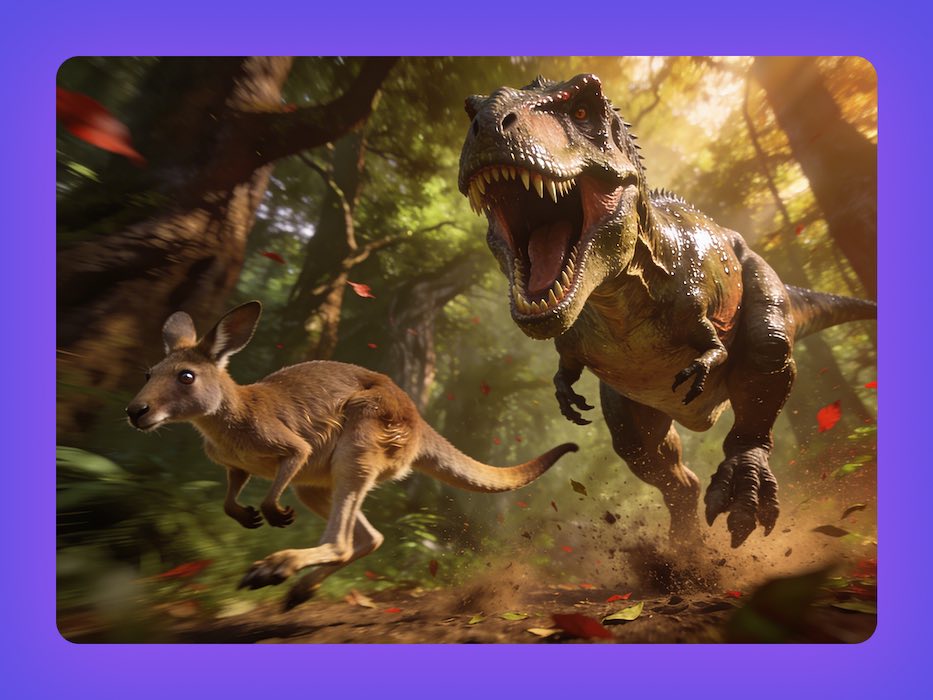
AI Image Creator
Instantly turn simple text prompts into stunning, high-fidelity visuals. Ignite your imagination powered by our state-of-the-art generation engine.
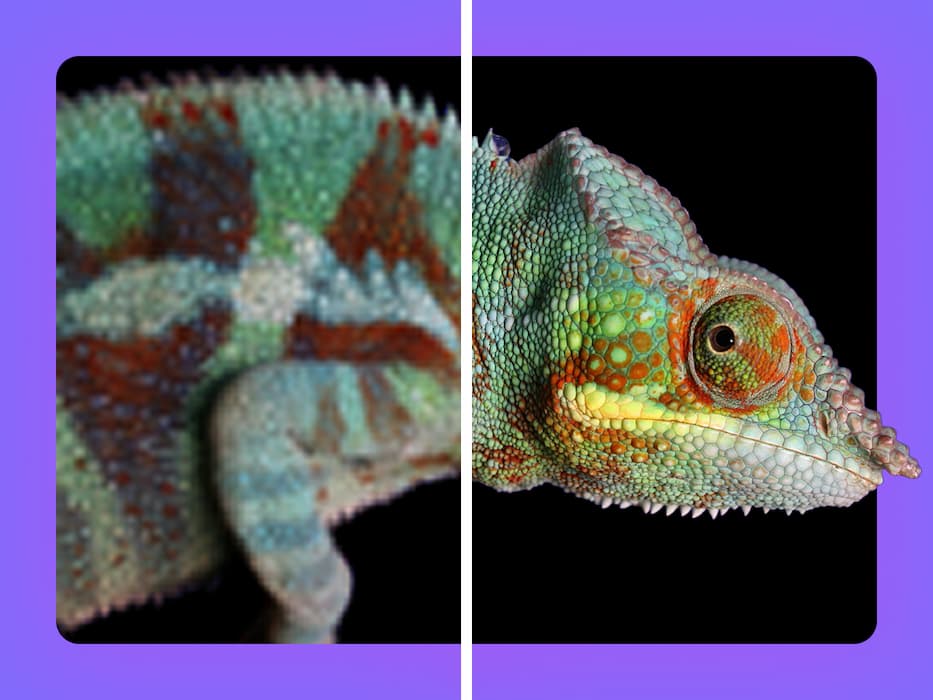
AI Picture Enhancer Free
Instantly boost image quality, upscale resolutions, and recover fine details for free. Make sure every Seedream creation is crystal clear and ready to share.
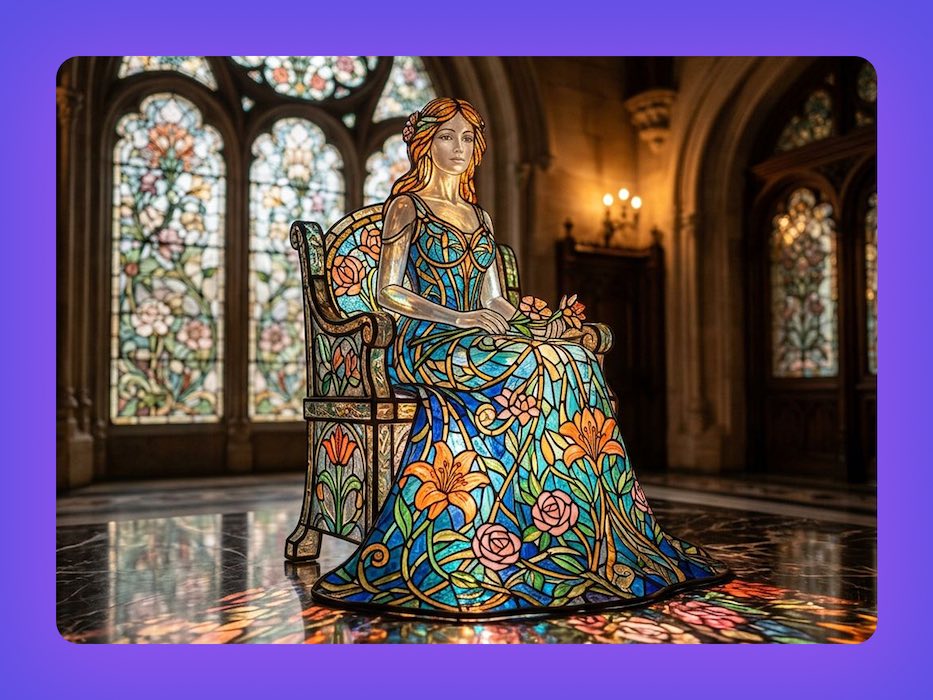
Nano Banana 2
Our state-of-the-art multimodal engine for text-to-image, precision inpainting, and complex style transfer with industry-leading accuracy.
Common Questions
Is there truly no cost for basic use?
Basic access is completely free for personal use. For commercial applications and advanced editing capabilities, our Premium plan provides unlimited daily usage, enhanced editing tools, and priority processing.
Do I need specialized software knowledge or local installation?
Neither. The entire system operates through your web browser. If you can describe what you want in everyday language, you can achieve professional results.
How does output quality compare to other free editing services?
Most complimentary tools rely on identical open-source models with usage restrictions. Our independent processing infrastructure delivers higher native resolution, consistent character preservation, and accurate text rendering unavailable in standard alternatives.
Can I modify existing photographs, or only generate new imagery?
Both approaches are supported. Upload any image for enhancement, restoration, or modification, or describe entirely new scenes from scratch.
What file specifications are compatible?
Input formats include JPG, PNG, and WebP up to 3MB. Output reaches 4MP native resolution. Expanded format support including PSD and TIFF is in development.
What happens to my images after processing? Are they used for AI training?
All uploads are processed securely and automatically purged from our systems. We maintain strict confidentiality and never incorporate user content into model training datasets.
Am I permitted to use edited images for client projects or commercial products?
Yes, with our Premium plan you get full commercial rights for all edited images. Use them freely in client work, products, advertising, and merchandise — no attribution required. Please note that commercial use is not covered under the free Basic plan.
How does character consistency actually function?
Unlike conventional AI that randomizes subject appearance between generations, our system locks identifying characteristics across multiple outputs. This ensures your subjects remain recognizable across varying scenes and scenarios—critical for narrative continuity and brand identity.